' href='data:image/webp;base64,UklGRgoBAABXRUJQVlA4IP4AAACQBQCdASogACAAPrVKnkmnJCKhMAgA4BaJQBfnMX2Wui21qoMM4X/i43PTgT8ziLfzNyYVgAD++LIv9Y7ubL+wQHP1W2DxIKNfm785am3nb/w4K1lM+jPNMh8oeyWAqlMAR3+aG4qkhz77/xFpbm7YkBUvO1bkwvf7wsggAilZ/F+huwdGv2wTSx4bijvJ16oABdtVb6jKiAgLRVeYgtyS/2T0DtB5N5fdfvixCjKQr/++6ubYqK+w8+nBCBtTm3YhjyQ+rSJmgrx9tBiyskIK2gCBPM68MSbxdowD/W+nzvM/Z8bq7yINv7grljzFNCNvrKqImFSZbZDrjwAAAA=='/%3E%3C/svg%3E)
Try Before You Dye: Testing Hair Color Trends Virtually
Explore new hair colors in FaceApp before committing to real dye.
Table of Contents
- How does virtual hair color work?
- Which FaceApp hair color filters are available?
- How can I try creative colors with Colored?
- How can I copy any hair shade with Transfer?
- FAQ’s
Changing your hair color can transform your whole look. It can also be difficult to predict the result from a salon swatch. FaceApp lets you test different shades directly on your photo while preserving natural texture, lighting, and facial features.
How virtual hair color works
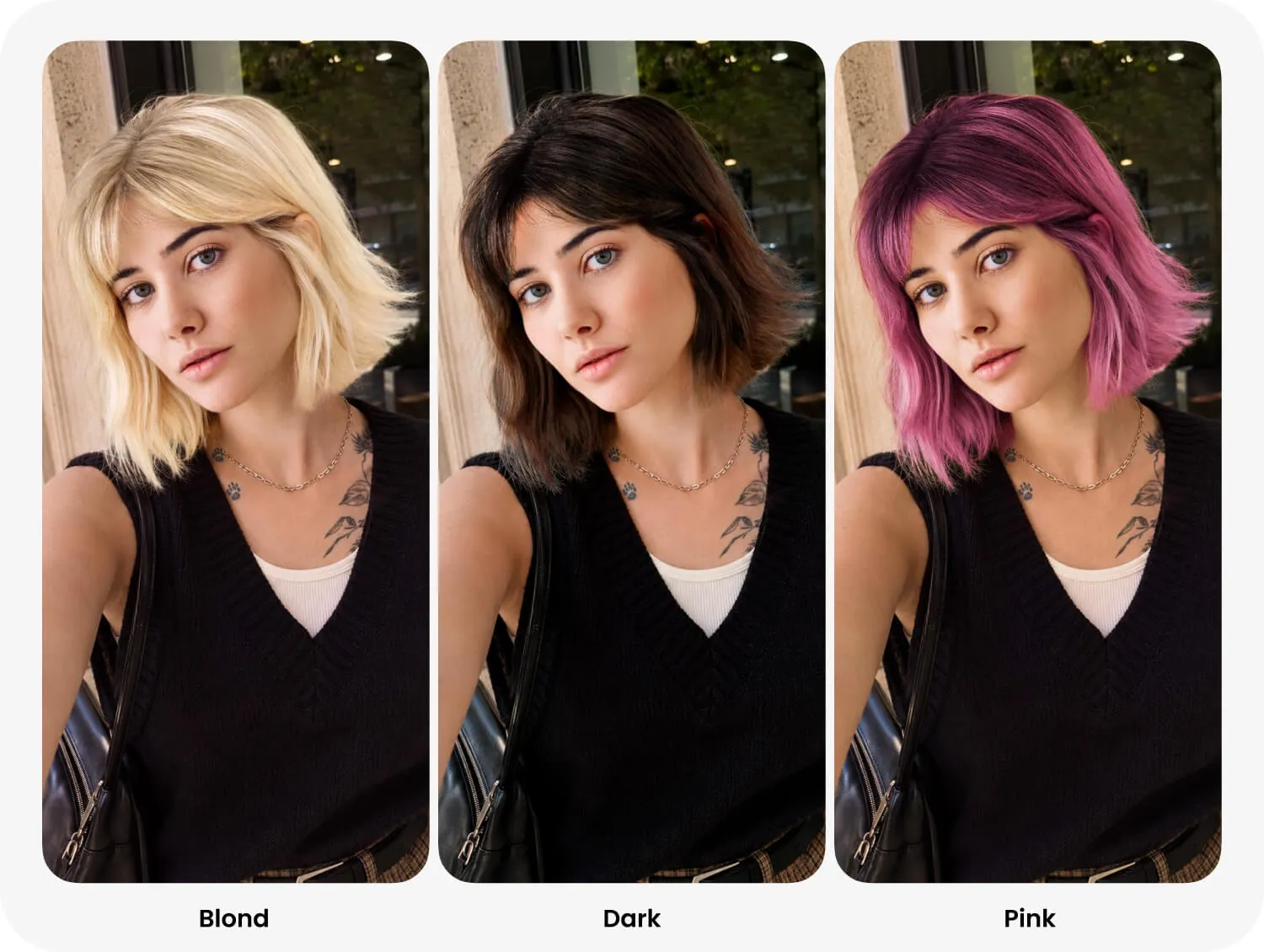
Open a portrait in FaceApp and select Hair colors. Try several filters, compare the result with the original, then adjust the effect strength when available. For the most realistic preview, use a clear photo with visible hair and even lighting.
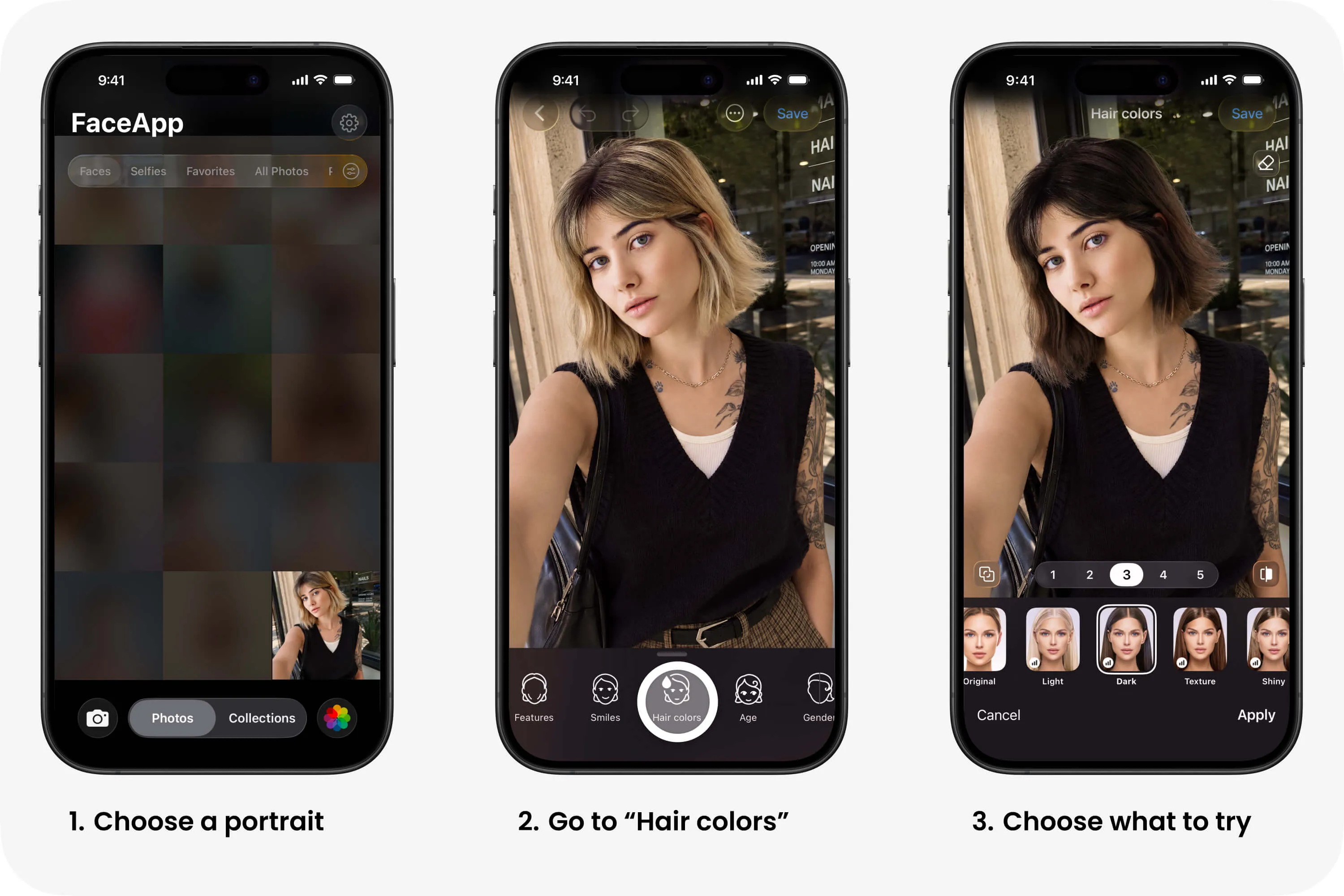
FaceApp hair color filters
Light gently brightens the existing hair color.
Dark creates a deeper, richer version of the original shade.
Texture makes the hair texture and individual strands more visible.
Shiny adds a smooth, healthy-looking shine.
Dyed creates the effect of fresh, salon-quality coloring.
Brown changes the hair to a natural brown tone.
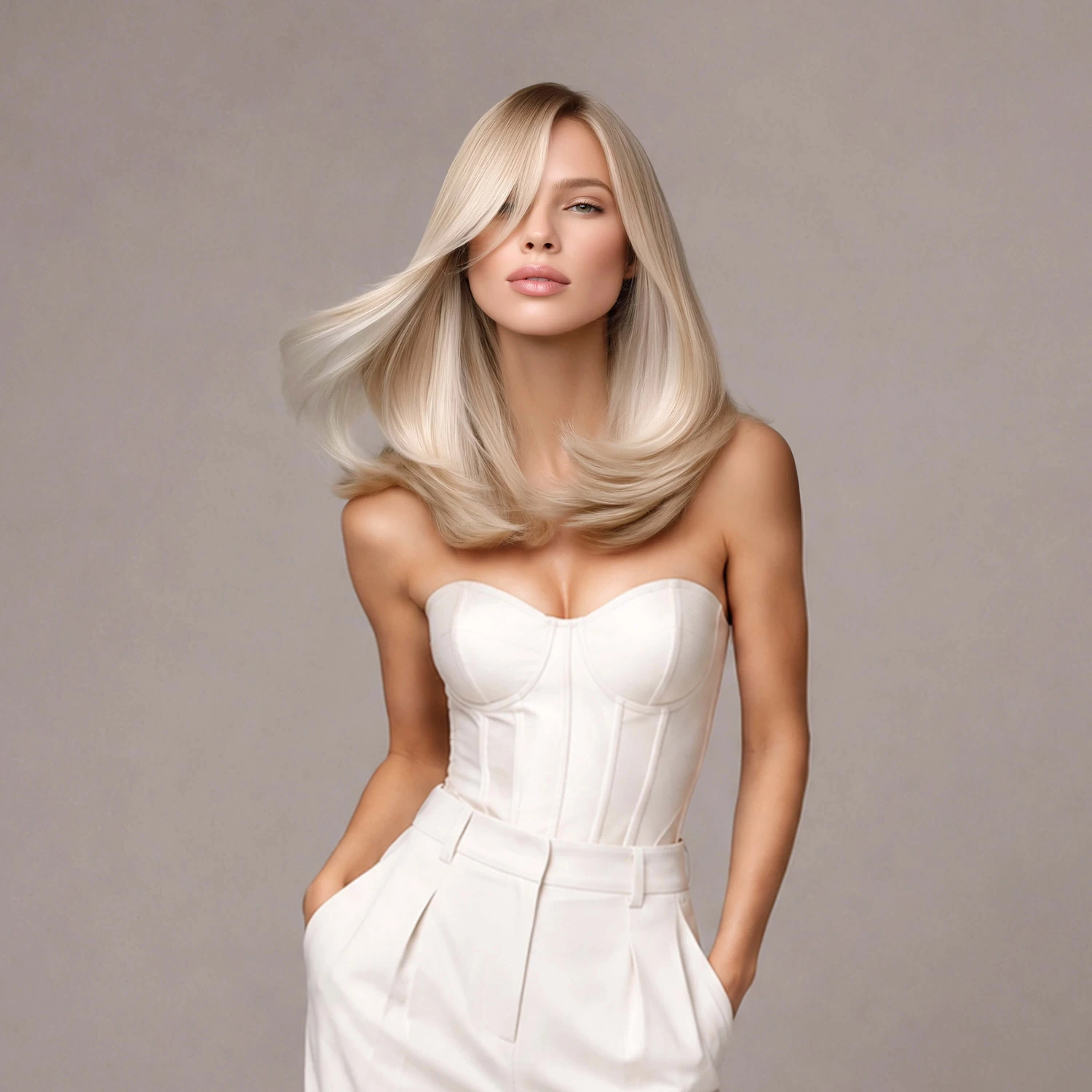
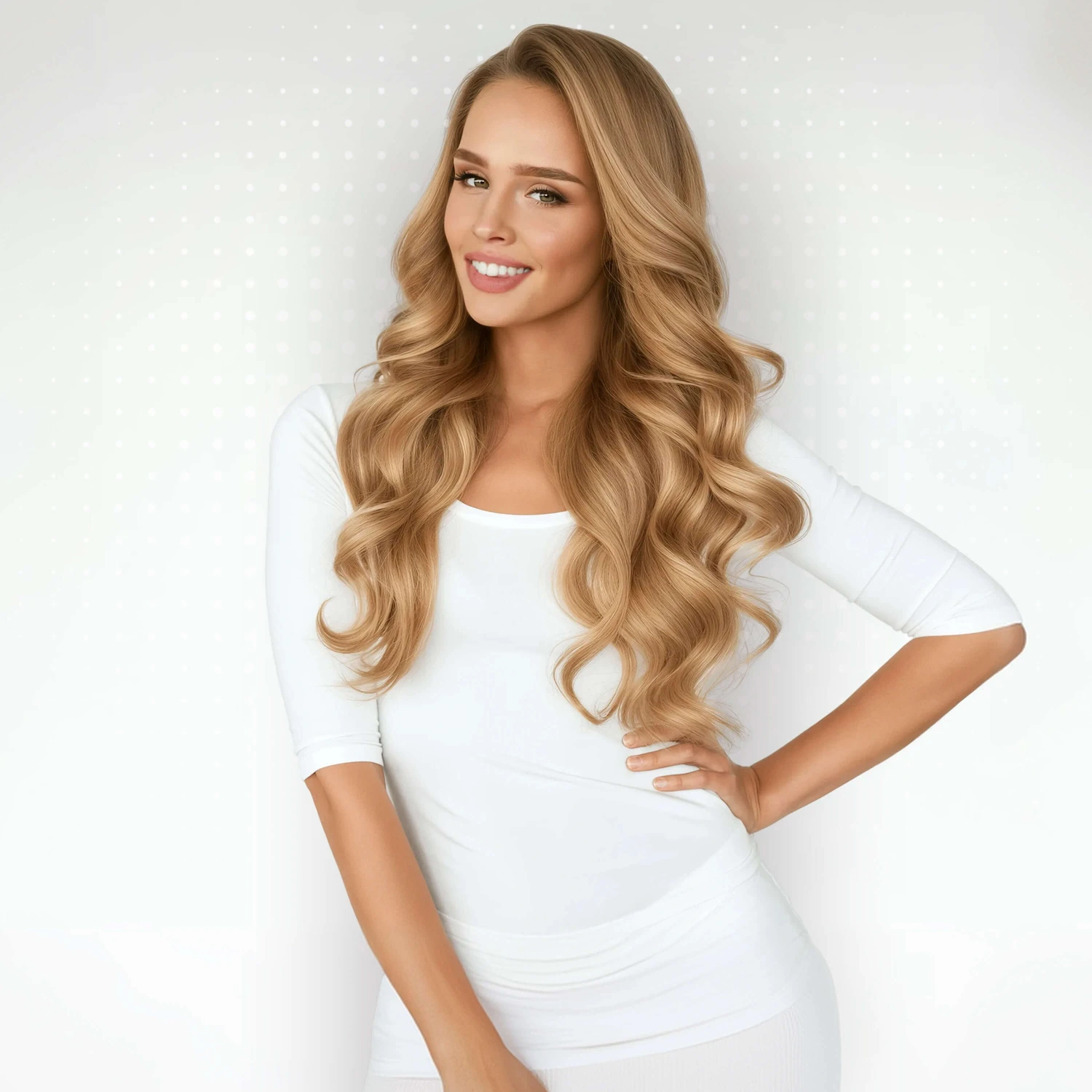
Blond previews a lighter blonde shade while keeping the hair dimensional.
Black creates a deep black color with natural highlights.
Red adds warm copper and red tones.
Tinted applies a softer color tint without fully replacing the original shade.
Creative colors with Colored
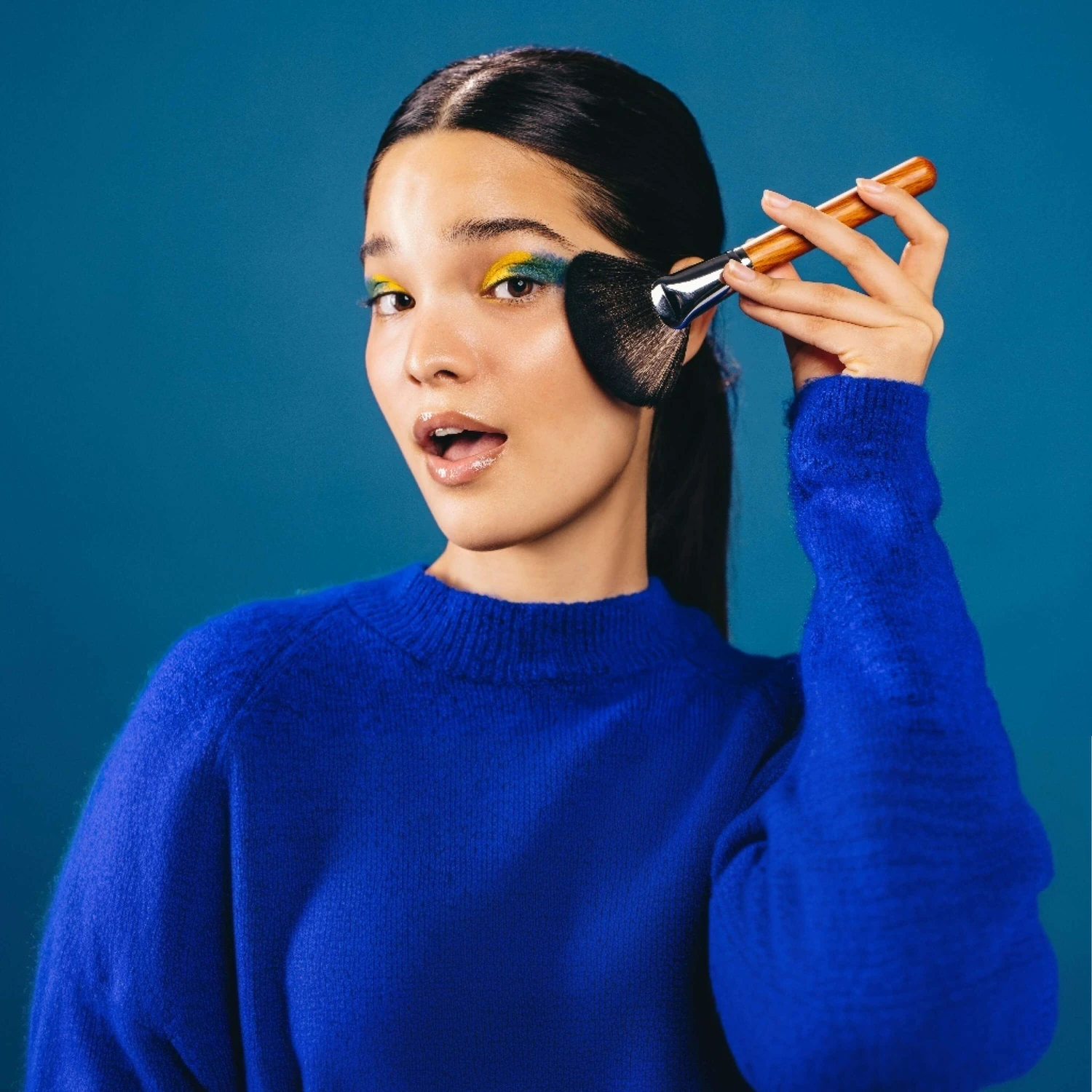
Colored is designed for bold experiments. It lets you choose bright shades such as blue, green, purple, pink, and red. Use it to preview creative coloring, festival looks, colored sections, or a completely new style without touching your real hair.
Tip: Use the Merge tool for even brighter results.
Copy any shade with Transfer
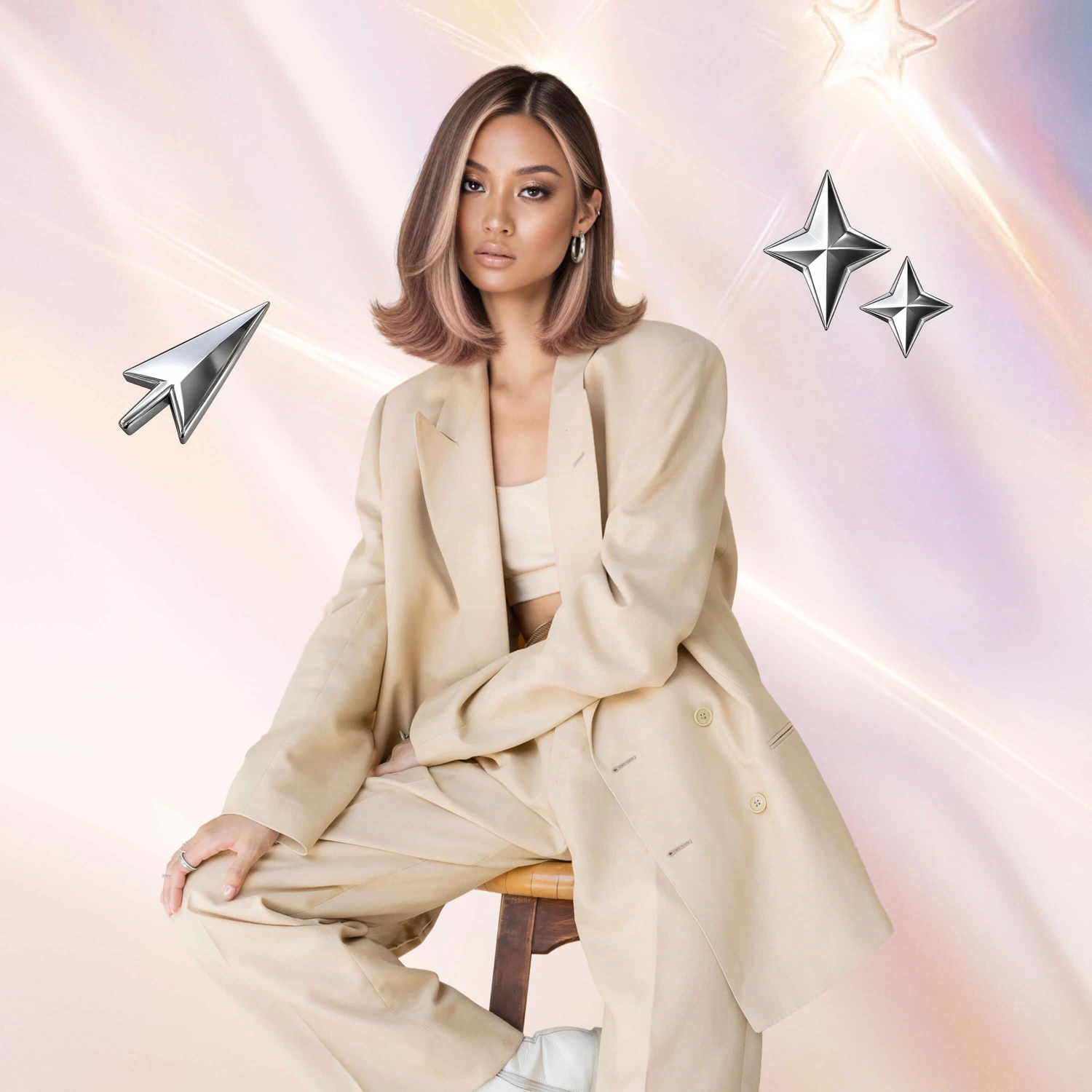
Transfer takes hair color from a reference image and applies it to your photo. Choose one of the available templates or upload any image from your phone. FaceApp analyzes the reference shade and recreates it on your hair.
This is useful when you have found the exact color you want in a photo and need to see how it works with your appearance.